
 Join the IQOS user group
Does an IQOS ILUMA device need its blade cleaned regularly?
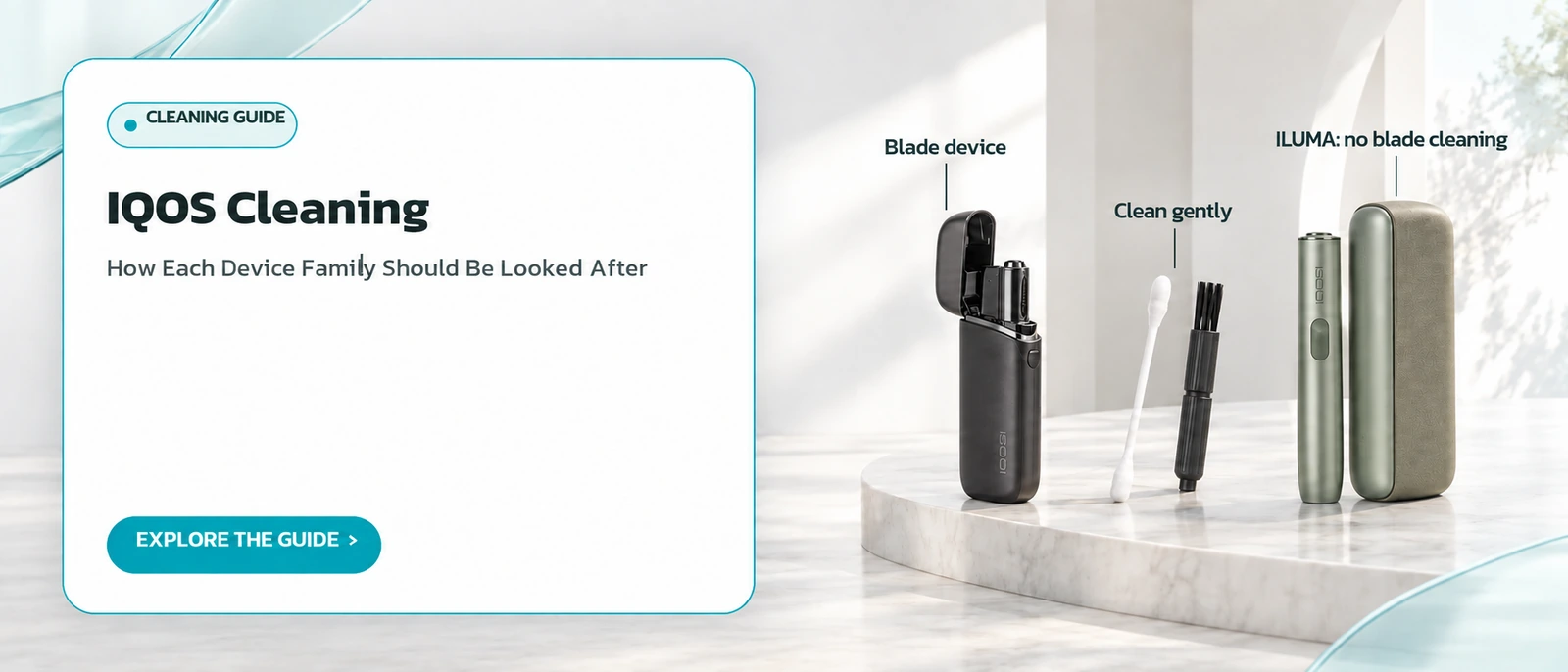
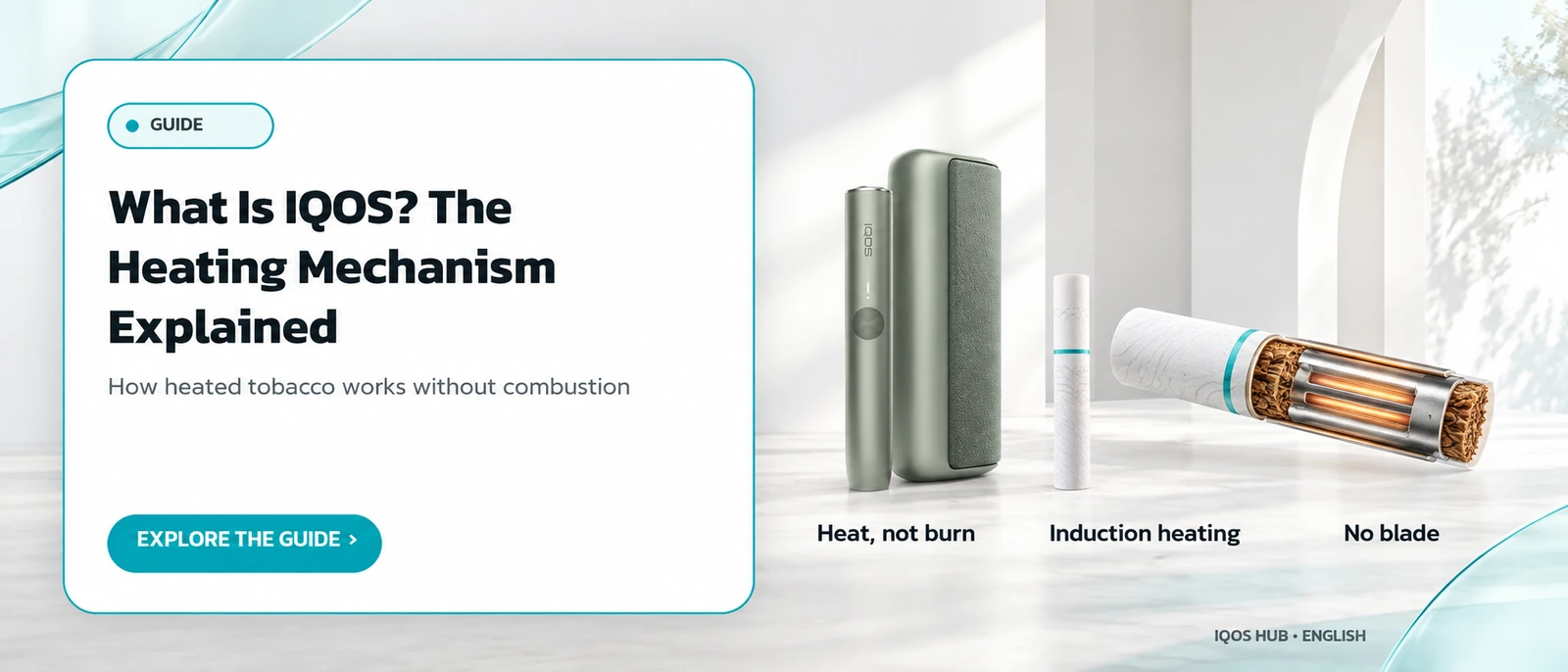
No. The ILUMA family has no blade inside the device at all. It uses induction to heat a metal element embedded in each TEREA stick, and TEREA sticks are sealed at both ends, which helps stop tobacco fragments from falling into the holder's slot after each session. So there is simply no blade that could collect residue.
The design difference is covered in how IQOS heats tobacco, and the stick itself in what TEREA is.
Wherever you are, local rules come first; in Thailand, official travel advice says heat-not-burn devices are illegal to possess, as covered on IQOS in Thailand.
That is the single biggest care difference between the two families.
What care does an ILUMA holder still need?
Even without a blade, the outside of the holder should be kept free of dust and foreign matter that builds up with ordinary use. Pay particular attention to the slot opening, since that is the area in direct contact with the tobacco stick. An occasional wipe is enough; there is no routine that needs special tools for ILUMA.
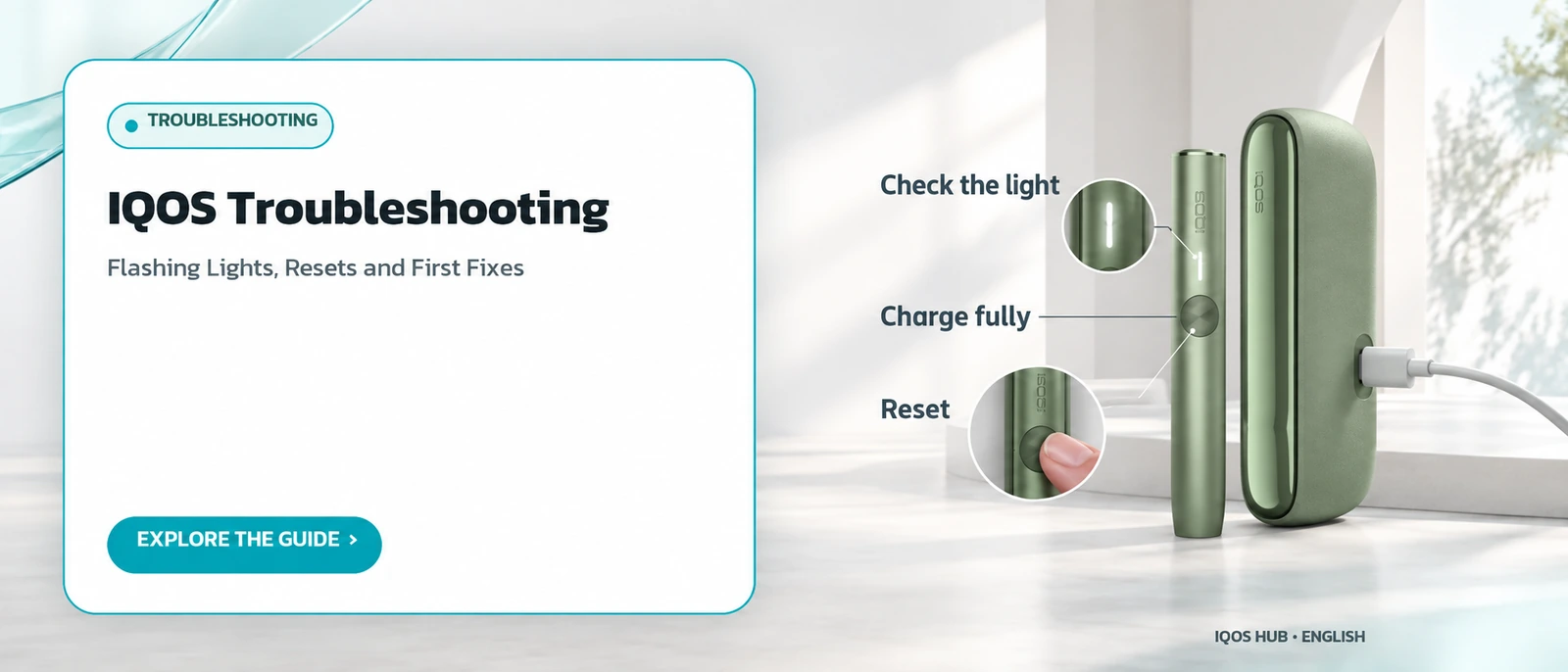
Clean ports and contacts also help avoid charging trouble, one of the checks in IQOS not charging.
For how a normal session ends and the stick is removed, see the usage guide.
A dry, soft cloth is all an ILUMA holder normally needs.
How often should a blade-family IQOS be cleaned?
The manufacturer recommends cleaning after every pack of sticks, or at least once a day, using the dedicated cleaning tools. Doing so keeps the taste consistent and the device working as intended. Each clean takes only about a minute, and you can clean more often if you prefer.
Blade devices need cleaning far more often than ILUMA because the blade touches the tobacco every session, so residue collects around the blade and at the bottom of the slot faster.
Generations are compared in the IQOS model comparison.
Short, frequent cleans are easier than occasional long ones.
What are the steps for cleaning a blade-family IQOS holder?
Switch off and let the blade cool for at least 30 seconds. Remove the cap, insert the twisting cleaning tool without turning it until it reaches the bottom, then rotate it gently two or three times and pull it straight out. Tap out the loose tobacco, and finish with the cleaning stick, without touching the blade directly.
These steps follow the manufacturer's official manual.
Never press hard or touch the blade with a tool; it is a delicate part that reaches high temperatures during use. The IQOS troubleshooting guide covers what to do if a stick itself gets stuck.
Replace the cap afterwards and check the slot is clear.
What if the cleaning stick jams while it is being inserted?
Do not keep forcing it. Pull the cleaning stick back out and clean the area where it caught with the twisting tool again first, then try once more. Pushing on through resistance risks bending or damaging the blade, which is fragile. Gentle repetition with the right tool is the approach the manufacturer's guidance points to.
If residue keeps blocking the slot even after repeated gentle cleaning, stop and use the manufacturer's support channel, as described in when to contact support.
Forcing parts can also end the warranty on the device.
Gentle and repeated beats fast and forced every time.
How should the cap of a blade-family IQOS be cleaned?
Use the cleaning stick to clean the inside of the cap from the top. For the base of the cap, push the twisting tool all the way in, turn it gently two or three times, then pull it out and tap away the loose tobacco, just as you would when cleaning the holder itself.
The cap is where fragments tend to lodge after a used stick is removed. Cleaning cap and holder together each time makes it less likely that the next stick will be hard to insert.
For inserting sticks correctly, see how to use IQOS.
Both parts together take barely longer than one.
What must never be used when cleaning an IQOS device?
Never use water, chemicals, solvents or compressed air on the holder or the cleaning tools, because moisture can damage the internal circuitry. Do not try to clean the blade itself; clean only the base of the slot around it. Also take care not to press the power button by accident while cleaning.
These restrictions come straight from the manufacturer's official guidance. Moisture and the wrong kind of pressure are the most common causes of circuit and blade damage in this type of device.
Battery care is a separate topic, covered in IQOS charging.
When in doubt, stop and check the manual.
How do you clear tobacco residue stuck in the slot of a blade device?
Wait for the device to cool, then tap the holder gently on a hard surface so the loose fragments fall out. After that, use the twisting cleaning tool to sweep out whatever is left around the base of the blade. You can prevent much of this by lifting the cap before pulling out a used stick every time.
Residue is a bigger issue for the blade family than for ILUMA, because blade-family sticks are not sealed all round like TEREA, so fragments can drop out when a stick is removed.
Stick differences are explained in HEETS vs TEREA.
The habit takes a second and saves cleaning later.
| Topic | ILUMA family | Blade family |
|---|---|---|
| Blade cleaning needed? | No (no blade) | Yes, with dedicated tools |
| Recommended frequency | Wipe the outside now and then | Daily or after each pack |
| Never use | Water, chemicals, compressed air | Water, chemicals, compressed air |
Frequently asked questions
Can I wipe an IQOS holder with alcohol?
Is it true that ILUMA has no blade to clean?
What happens if a blade-family IQOS is never cleaned?
How long does cleaning a blade-family IQOS take?
How long should a blade device cool before cleaning?
Does an ILUMA kit come with a cleaning tool?
Sources
Read more
← Back to the Legal section · Back to the homepage
Join the IQOS User Group (Thai-language LINE group)
A space for IQOS users to exchange information with each other — not a commercial channel of any kind. For readers aged 20+ only. Note: this is a Thai-language LINE group.
Join the IQOS User Group (Thai-language LINE group)