
 Join the IQOS user group
What usually stops an IQOS from charging?
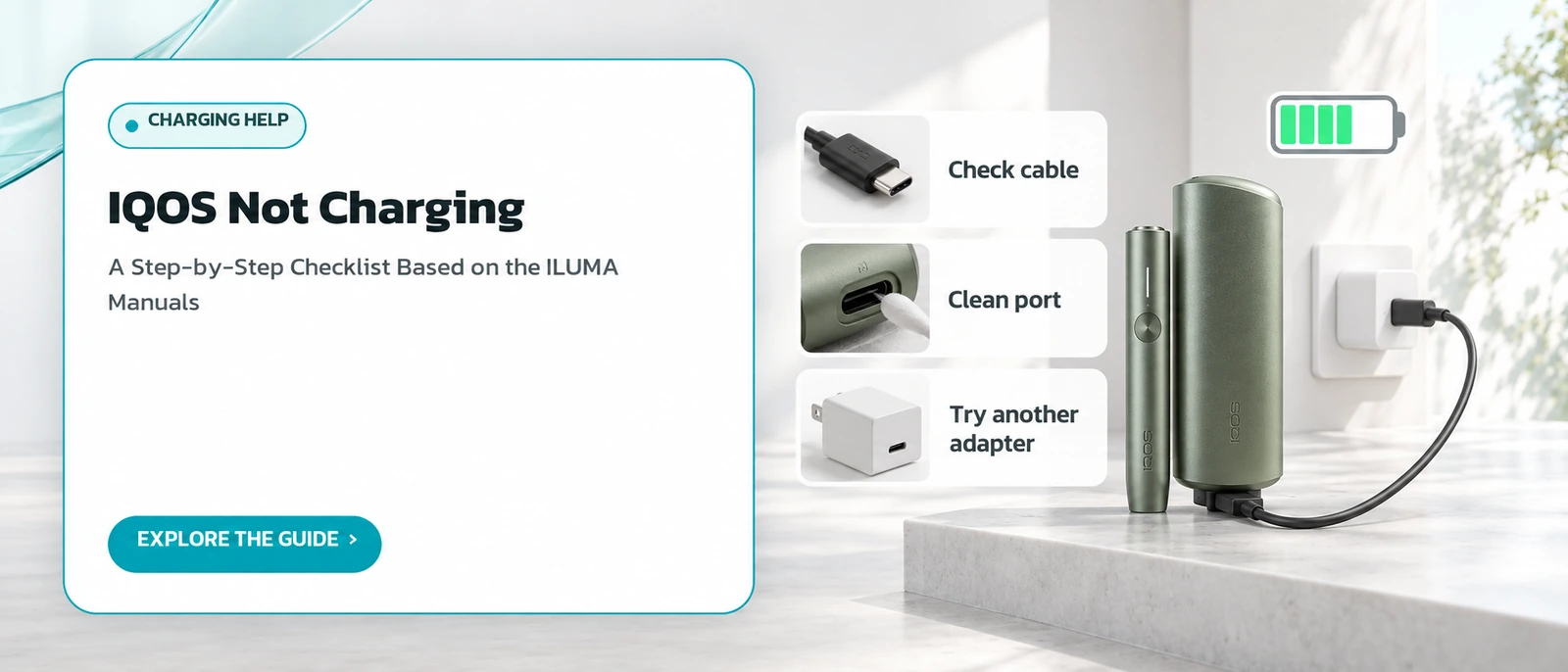
IQOS UK troubleshooting pages for ILUMA and ILUMA i name two main causes: a battery that is completely empty, and a device that is outside its working temperature range. Beyond those, the manufacturer asks you to check the charging cable, the adapter, the USB port and, on two-piece models, the contacts between the holder and the pocket charger.
The checklist below runs from the simplest step to the most drastic, so you do not jump to a reset before ruling out a dusty port or a worn cable.
If you want to know what normal charging looks like first, read how IQOS charging works.
How long should I wait if no light comes on after plugging in?
IQOS UK suggests leaving the device plugged in for up to 10 minutes, depending on the model. IQOS Malaysia says that when the pocket charger is completely flat, it can take up to 20 minutes before the charging light pattern shows. So a dark device in the first few minutes does not mean it is broken.
The two figures come from different situations described on different country pages. For a device that has not been used for a long time, we suggest waiting at least 20 minutes before moving on.
Other light patterns are covered in IQOS troubleshooting.
The table at the end of this page lists each step together with its source.
Could the cable or wall adapter be the real problem?
Yes. The manufacturer's troubleshooting advice is to try a different compatible cable or adapter and to look for visible damage. IQOS Malaysia recommends using the adapter and cable approved by the manufacturer, and states that a full charge takes about 2 hours 15 minutes, which is useful for judging whether charging is progressing normally.
If the lights come on as soon as you switch cables, the fault lies with the old cable or adapter rather than the device itself.
Model-specific charging notes are on the pages for ILUMA i and ILUMA PRIME.
Matching the cable to the manufacturer's recommendation also rules out a common variable before you move on to cleaning.
Can a dirty USB port prevent charging?
It can. The manufacturer asks you to make sure the USB port is clean and suggests blowing into it gently to clear dust and debris. Packed dust can stop the plug from seating fully or making firm contact, and from the outside that looks exactly like a device that refuses to take any power.
Do not push hard objects or liquids into the port. The official instruction only mentions blowing gently, so we do not suggest anything beyond that.
General care for induction models is covered on how to use IQOS ILUMA.
Check the port under good light before blowing, so you can see whether anything is lodged inside.
What if the holder will not charge inside the pocket charger?
On two-piece models, the manufacturer says to wipe the contacts between the holder and the pocket charger with a soft, dry cloth. IQOS Malaysia adds that if the holder charges slowly, cleaning those contacts is the first thing to try, together with charging the pocket charger using the approved adapter and cable.
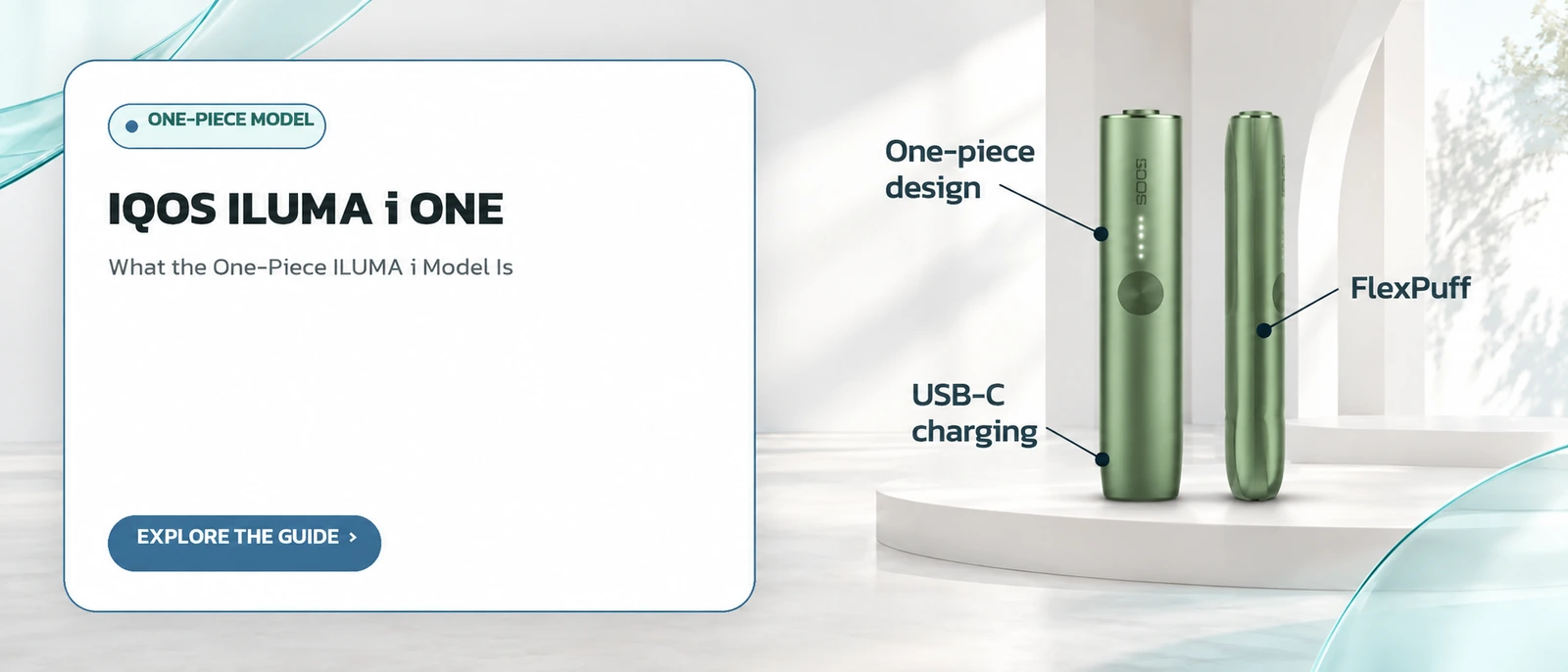
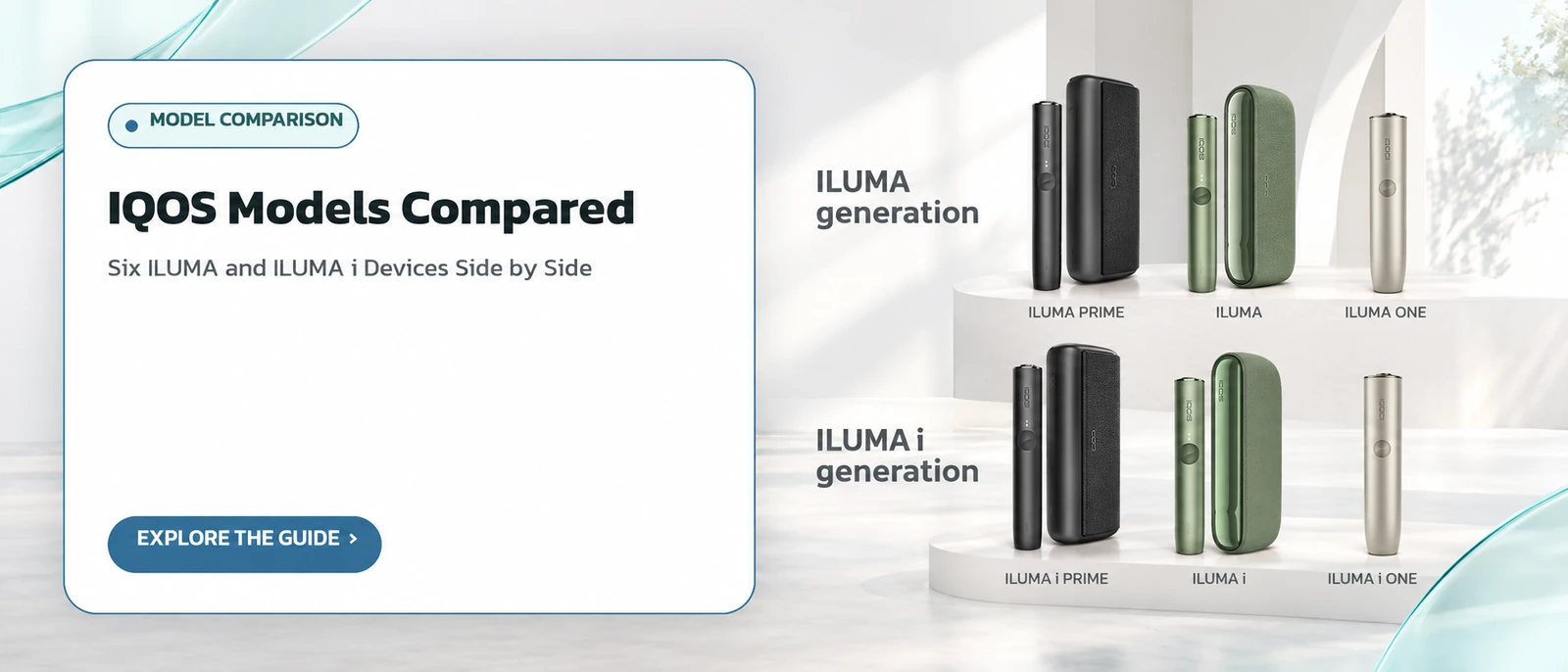
This issue cannot happen on one-piece devices such as ILUMA ONE, because there is no separate holder.
Two-piece designs include ILUMA PRIME, ILUMA and the ILUMA i range, where the holder draws its charge from the case between uses.
A slow-charging holder is usually the symptom people describe as the stick holder not charging.
Can heat or cold stop an IQOS from charging?
Yes. The manufacturer says the device may be outside its suitable temperature range, and advises letting it warm up or cool down before trying again, ideally indoors at room temperature. IQOS Malaysia explains that three white flashes mean the holder is outside its range, and that the device should be kept between 0 and 50 degrees Celsius.
A common case is a device left inside a parked car in strong sun. Once the temperature returns to normal, it works again without a reset.
Heat inside vehicles and luggage is worth remembering on trips; see travelling with IQOS.
Three white flashes on the holder are the signal to watch for in this situation.
How do I reset an IQOS ILUMA device?
IQOS UK says to press and hold the button for 10 seconds until the lights dim, come back on and then flash twice. For two-piece models, IQOS Malaysia says to put the holder in the pocket charger first, then hold the charger button for 10 seconds until all lights dim. A successful reset ends with every light briefly flashing white.
Only reset after the earlier checks, because a reset cannot fix a damaged cable or a blocked port. A flashing red light on the charger or holder is another case where the manufacturer recommends a reset.
Light meanings are listed in our troubleshooting guide.
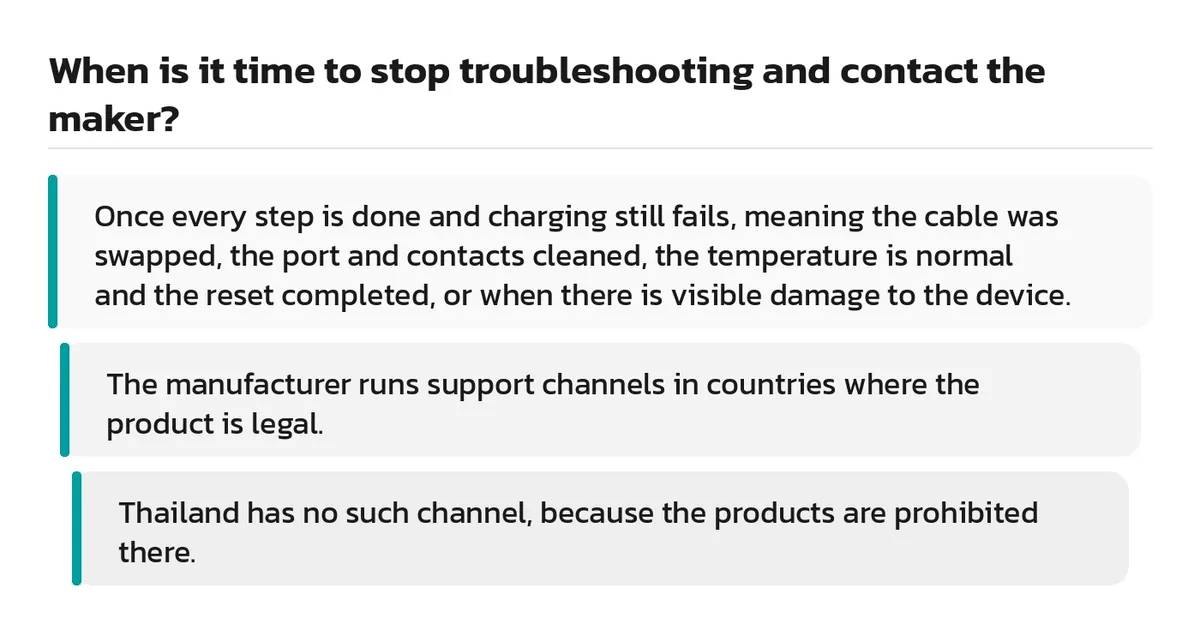
When is it time to stop troubleshooting and contact the maker?
Once every step is done and charging still fails, meaning the cable was swapped, the port and contacts cleaned, the temperature is normal and the reset completed, or when there is visible damage to the device. The manufacturer runs support channels in countries where the product is legal. Thailand has no such channel, because the products are prohibited there.
Batteries also wear with use, so an older device may charge but last for fewer sessions. More on ageing devices is in used IQOS devices.
Why there is no support in Thailand is explained on IQOS in Thailand.
Official support can only be reached through the IQOS site of a country where the products are legal.
| Step | What to do | Source |
|---|---|---|
| 1 | Plug in and wait 10 to 20 minutes | IQOS UK, IQOS MY |
| 2 | Check for damage, try another compatible cable or adapter | IQOS UK |
| 3 | Blow dust gently out of the USB port | IQOS UK |
| 4 | Wipe holder and charger contacts (two-piece models) | IQOS UK, IQOS MY |
| 5 | Let the device return to room temperature (0 to 50 C) | IQOS UK, IQOS MY |
| 6 | Reset by holding the button for 10 seconds | IQOS UK, IQOS MY |
Frequently asked questions
My ILUMA shows no light at all when charging. Is it broken?
What does it mean when the IQOS stick holder will not charge?
Do the same fixes apply to IQOS 3 DUO?
Can I charge IQOS with a phone charger?
What does a red light while charging mean?
Does a reset wipe any settings?
Sources
- Troubleshooting IQOS ILUMA — IQOS UK
- Troubleshooting IQOS ILUMA i — IQOS UK
- Troubleshooting IQOS ILUMA — IQOS Malaysia
Read more
← Back to the Legal section · Back to the homepage
Join the IQOS User Group (Thai-language LINE group)
A space for IQOS users to exchange information with each other — not a commercial channel of any kind. For readers aged 20+ only. Note: this is a Thai-language LINE group.
Join the IQOS User Group (Thai-language LINE group)