
 Join the IQOS user group
How do the IQOS pocket charger and holder each get their power?
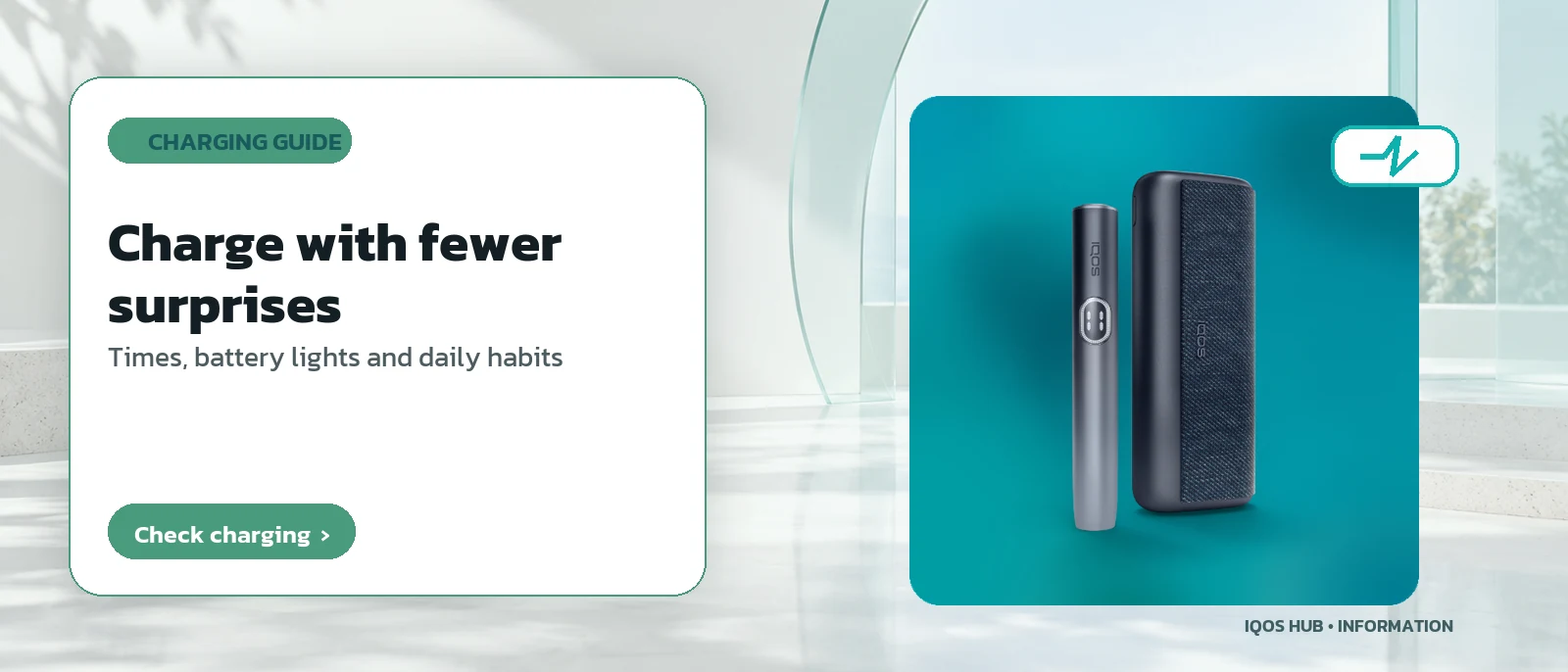
The pocket charger takes power from an external source through the adapter and cable. The holder is never plugged in itself; instead it is charged by sliding it into the pocket charger, which transfers part of the reserve it holds. In practice that means you can carry only the pocket charger and top up the holder during the day without hunting for a socket.
Why the device is split this way is explained in how IQOS is built.
One-piece ILUMA models work differently: the cable goes straight into the device, as shown on ILUMA ONE.
Two layers, one routine: plug in the pocket charger, and let it look after the holder.
Is two-stage charging shared by the blade and ILUMA families?
Yes, in models that have a separate pocket charger. The two-stage structure is common to both the blade family and the ILUMA family, and in both cases a single charge of the pocket charger is enough to recharge the holder several times. What differs between families and models is the exact timing, not the basic idea.
Blade-family owners can compare generations on the device comparison.
The specific figures quoted further down this page come from the ILUMA manual, because that is the family with the clearest official data.
If you own an older model, treat the timings as indicative only.
How long does a fully drained ILUMA pocket charger take to charge?
Charging from empty with the adapter and cable supplied in the box takes about 135 minutes. If the battery was completely flat, the status lights can take up to 20 minutes before showing any pattern at all. That delay does not mean the cable or the adapter is faulty; it is simply the device waking up from a fully drained state.
If nothing appears after that window, IQOS not charging walks through the checks in sequence.
The 135-minute figure is taken from the official ILUMA manual; blade models may take a different time depending on battery capacity.
Leave it connected; the lights will appear once the battery has recovered enough to report its level.
How long does an ILUMA holder take to recharge inside the pocket charger?
It depends how many sessions you want to add. According to the official manual, it takes about 1 minute 50 seconds to charge the holder for one session from empty, about 3 minutes 25 seconds to go from one session to two, and about 5 minutes 15 seconds to charge both sessions from empty in a single go.
These times are much shorter than charging the pocket charger itself, because the energy comes from the reserve the pocket charger already holds rather than from the mains.
The signals a holder gives during use are explained in the session guide.
Short top-ups between sessions are normal.
How do the battery lights on an IQOS pocket charger show the charge level?
Press the button on the side of the pocket charger briefly to see the level. Four lights mean full, three mean about 75 percent, two mean about 50 percent and one means about 25 percent. If a light flashes yellow three times, the battery is low and needs charging. The table on this page repeats these levels for quick reference.
A quick glance before leaving home tells you whether the reserve will last the day, especially on days with several sessions.
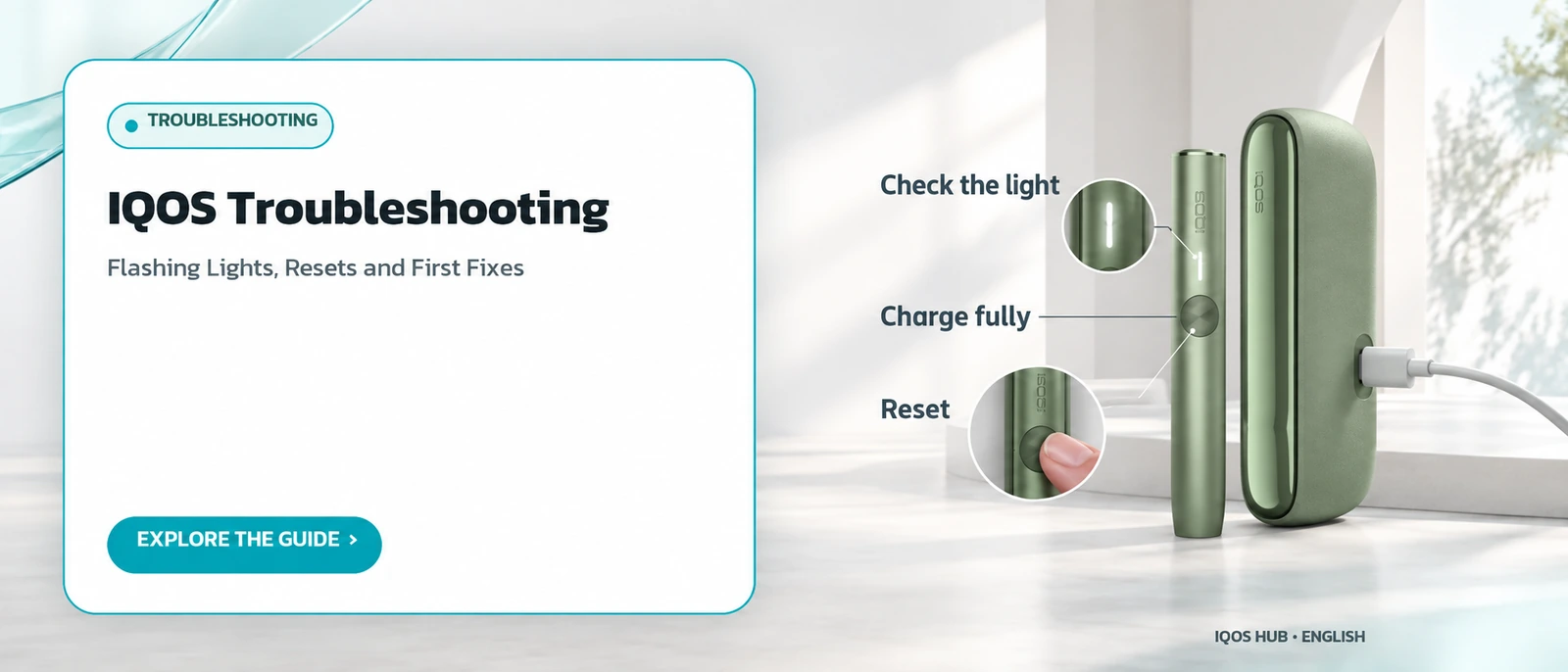
Lights on the holder mean different things again; those are covered in the IQOS troubleshooting guide.
The same button check works whenever you want a reading.
How often should an IQOS pocket charger be recharged?
The manufacturer recommends charging the pocket charger every day so there is always reserve power available. A daily habit suits people who use the device several times a day, since the reserve drops with each holder recharge. Letting the battery run completely flat often can also mean a longer wait the next time you charge, as described above.
Plan around the rules where you are, too. Official travel advice for Thailand says heat-not-burn devices are illegal to possess or use, so charging habits are only relevant elsewhere; see IQOS in Thailand.
In most other countries, a daily top-up at a fixed time, such as overnight or first thing in the morning, is the simplest habit to keep.
Which cables and adapters are suitable for charging IQOS?
Use only adapters and cables that the manufacturer states are compatible. An incompatible cable or adapter may charge the device more slowly than normal, or in some cases not charge it at all. If the original cable goes missing, check the official list for your model before reaching for a cable from another gadget.
A slow or failed charge is one of the first things the not-charging checklist asks you to rule out, along with a dirty port.
For overnight charging, the official manual for your model is the final word.
Keeping the original cable with the device avoids the problem entirely.
Does charging work differently on blade-family IQOS models?
The basic structure is similar: a pocket charger that can recharge the holder several times on one charge. However, charging times for individual blade-family models may differ from the ILUMA figures given on this page. Before relying on any number, check the model-specific figures in the official manual for your own device.
This guide quotes ILUMA numbers because they are the ones most clearly confirmed by official documentation today.
Readers with blade devices should look up their own model's manual; cleaning needs also differ, as shown in the IQOS cleaning guide.
Charging structure aside, the two families differ most in cleaning.
| Lights on | Approximate battery level |
|---|---|
| 4 lights | Full, 100% |
| 3 lights | About 75% |
| 2 lights | About 50% |
| 1 light | About 25% |
| Yellow flash, 3 times | Low battery, charge now |
Frequently asked questions
Can an IQOS pocket charger be left charging overnight?
Can I charge IQOS with another device's cable if mine is lost?
Can a holder flashing yellow be used straight away?
How many battery levels do the pocket charger lights show?
Does the IQOS holder have its own charging cable?
Where do the charging times on this page come from?
Sources
- How to Use and Charge IQOS ILUMA — IQOS UK
- What Do the Lights on My IQOS ILUMA Device Mean? — IQOS UK
- Thailand travel advice: safety and security — GOV.UK
Read more
← Back to the Legal section · Back to the homepage
Join the IQOS User Group (Thai-language LINE group)
A space for IQOS users to exchange information with each other — not a commercial channel of any kind. For readers aged 20+ only. Note: this is a Thai-language LINE group.
Join the IQOS User Group (Thai-language LINE group)