
 Join the IQOS user group
What normally comes inside a new IQOS box?
A typical ILUMA-family box contains the holder, the pocket charger, a USB-C cable and a getting-started leaflet. Whether a power adapter or cleaning accessories are included can vary by model and by market. The list printed on your own box is the one that counts, so check the actual contents against it rather than relying on a generic description.
If you are not sure which model you have, the model comparison shows how the kits differ.
Keep the leaflet: it holds the model-specific details, such as charging times, that general guides cannot promise.
A quick count of the parts at the start avoids confusion later if something turns out to be missing.
Why might a blade-family box include cleaning tools when an ILUMA box does not?
Box contents can differ between the two families. Blade-family kits often include cleaning tools from the start, because the blade inside the holder needs regular cleaning. ILUMA kits do not need them, since an ILUMA holder has no blade to clean. So a missing cleaning tool in an ILUMA box is not a sign that something is absent.
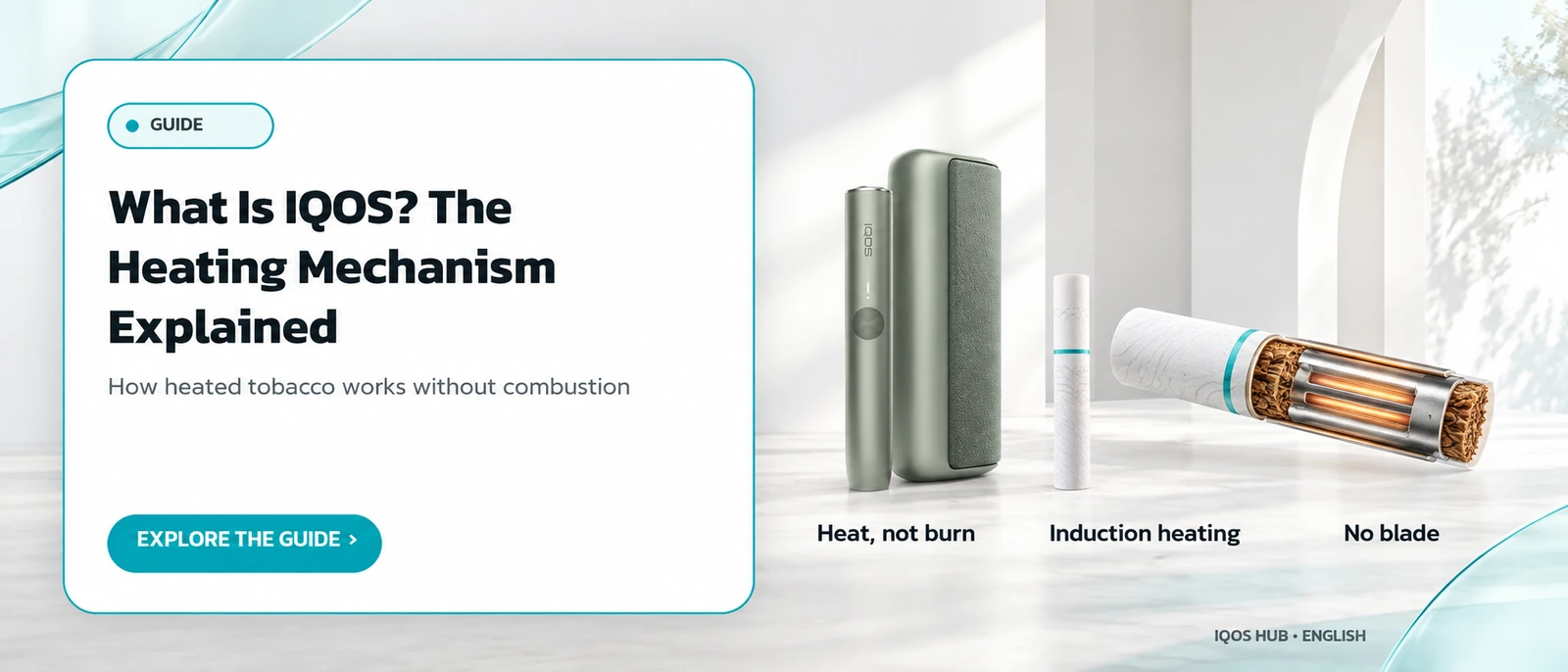
The reason lies in how each family heats the stick, explained in how IQOS works.
What routine care each family still needs is covered in the IQOS cleaning guide.
Blade-family owners should keep those tools with the device, since they will be needed from the first day.
Does a new IQOS pocket charger need a full charge before first use?
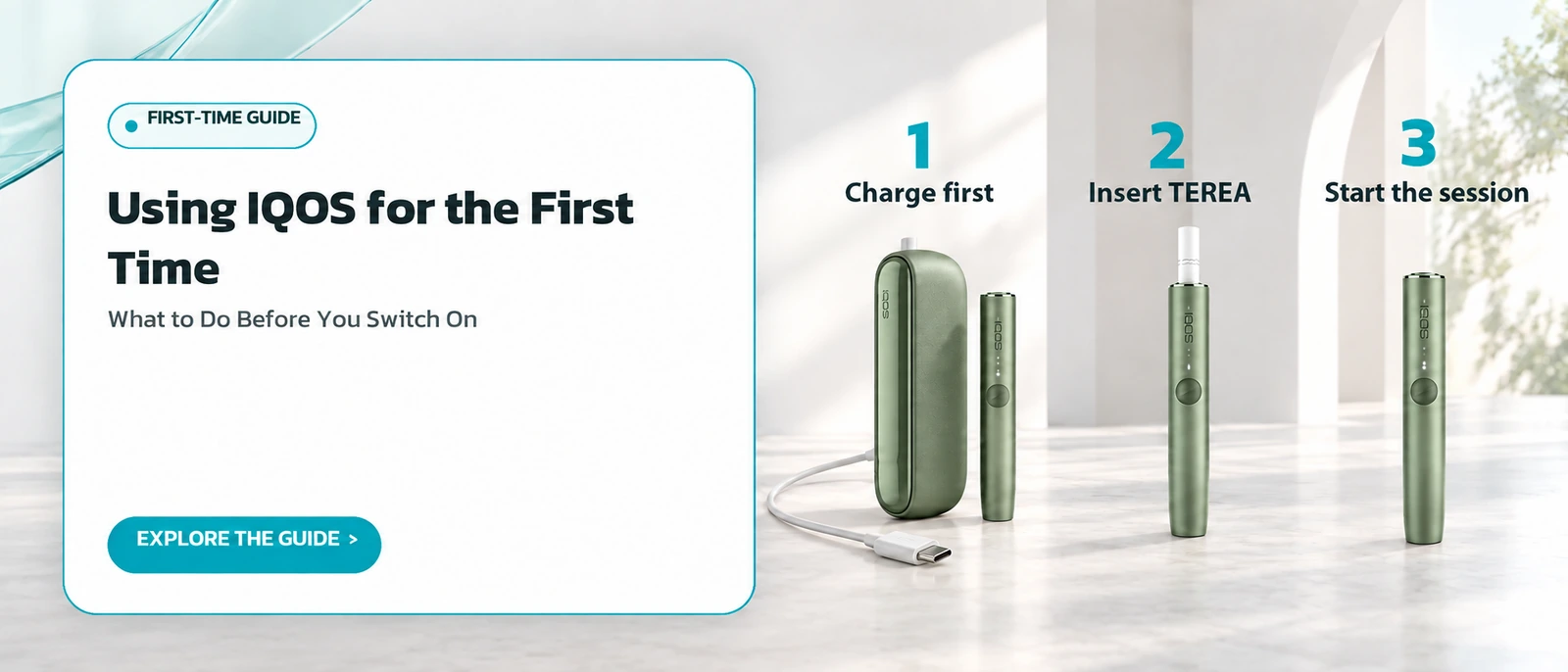
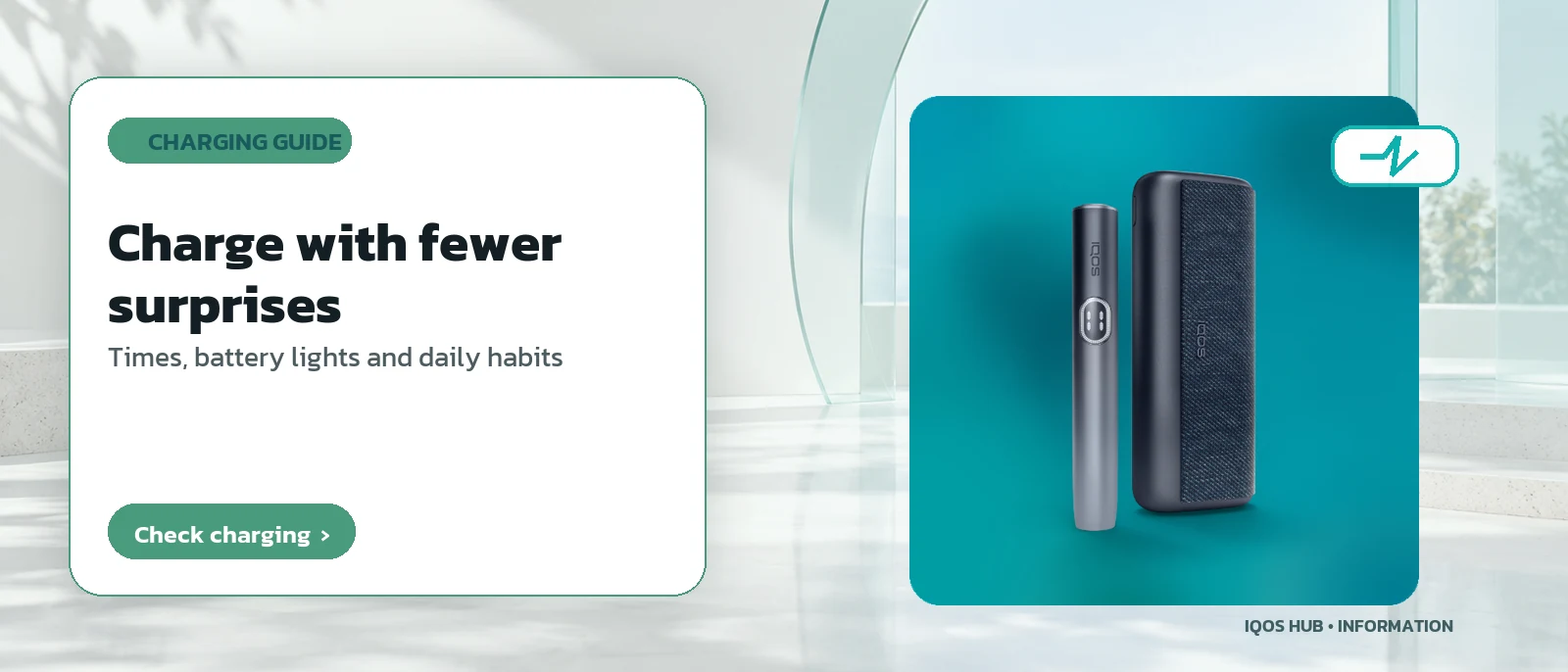
Yes, always charge it fully before the first session. For an ILUMA-family pocket charger this takes around 135 minutes using the power adapter and cable supplied in the box. A complete first charge gives the pocket charger its full reserve, so it can recharge the holder several times during the first days of use.
Later charges are routine and follow the pattern in the IQOS charging guide.
The 135-minute figure is from the official ILUMA manual; blade models may need a different time, so check the manual for your own device.
Plan the first charge for a time when you do not need the device, since it takes over two hours.
Why should the first charge not be cut short?
During the first charge, leave the device connected until the status lights show a full charge as described in the manual. Unplugging early leaves the reserve incomplete, and that reserve may not be enough for the number of sessions you expect on the first day. Patience at this stage avoids running flat sooner than planned.
If the lights do not respond at all while charging, work through the not-charging checklist before assuming a fault.
A fully empty battery can take a while before any light appears, which is normal rather than a broken cable.
Patience here pays off over the first few days.
What should you inspect before switching on a new IQOS for the first time?
Check that the holder and pocket charger show no damage from transport, that the cable has no cuts or sharp kinks, and that the slot covers close properly when not in use. If anything looks wrong, stop and contact the manufacturer's support channel before powering up. These checks are normal for any boxed electronics, and matter more for a device that produces heat.
Visitors should keep one more check in mind: official travel advice states that possessing or using heat-not-burn devices in Thailand is illegal, so a new kit should not travel there; see travelling with IQOS.
Checking takes a minute and avoids problems later, before the device is ever heated for the first time.
How do you switch on an IQOS device for the first time?
Once it is fully charged, press and hold the button on top of the pocket charger for four seconds to switch on. Then check the lights on the holder to see whether they show the expected number of sessions available. If no lights come on at all, the holder still needs charging before it can be used.
The same four-second press turns the device on and off in future, so it is not a one-time trick; here it is simply the first step after the initial charge.
What each light pattern means later on is listed in the IQOS lights guide.
Do you have to install an app or pair IQOS with a phone to get started?
No, not for basic use. The device carries out all its core functions without being paired with any app. The manufacturer does offer an optional app for adjusting smart features, such as turning Autostart on or off or changing light brightness and vibration strength, but pairing is an extra, not a required setup step.
App names and pairing steps can differ by model and market, so follow the official manual for your model if you want to use it.
Autostart and the other features are described for each model, for example on ILUMA i.
Leaving the app aside changes nothing about how a session works.
How do you start the very first stick after setup?
Once the device is on and the lights show it is ready, insert the first tobacco stick and start a session in the normal way straight away. Inserting the stick and the light signals during heating are exactly the same as for every later session, so nothing special is needed for the first one beyond the setup already done.
The full sequence, from insertion and heating signals to removing the stick at the end, is in how to use IQOS ILUMA.
That page applies equally to the first stick and every stick after it.
After that first session, the routine is identical every time, which is why this page stops here and hands over to the session guide.
| Step | Once or repeated |
|---|---|
| Check the parts in the box | Once, when the device is new |
| Full charge before first use | Once (routine charging happens daily) |
| Press the button to switch on | Repeated every time you switch on or off |
| Pair the optional app | Optional, not required |
Frequently asked questions
What happens if I forget to fully charge IQOS before the first use?
Is the same IQOS model boxed identically in every market?
Do I need to register my device with the manufacturer before using it?
Is the four-second button press only for the first start?
How long does the first full charge of an ILUMA pocket charger take?
Can I use IQOS without the smartphone app?
Sources
Read more
← Back to the Legal section · Back to the homepage
Join the IQOS User Group (Thai-language LINE group)
A space for IQOS users to exchange information with each other — not a commercial channel of any kind. For readers aged 20+ only. Note: this is a Thai-language LINE group.
Join the IQOS User Group (Thai-language LINE group)