
 Join the IQOS user group
What does a flashing yellow light on an ILUMA holder mean?
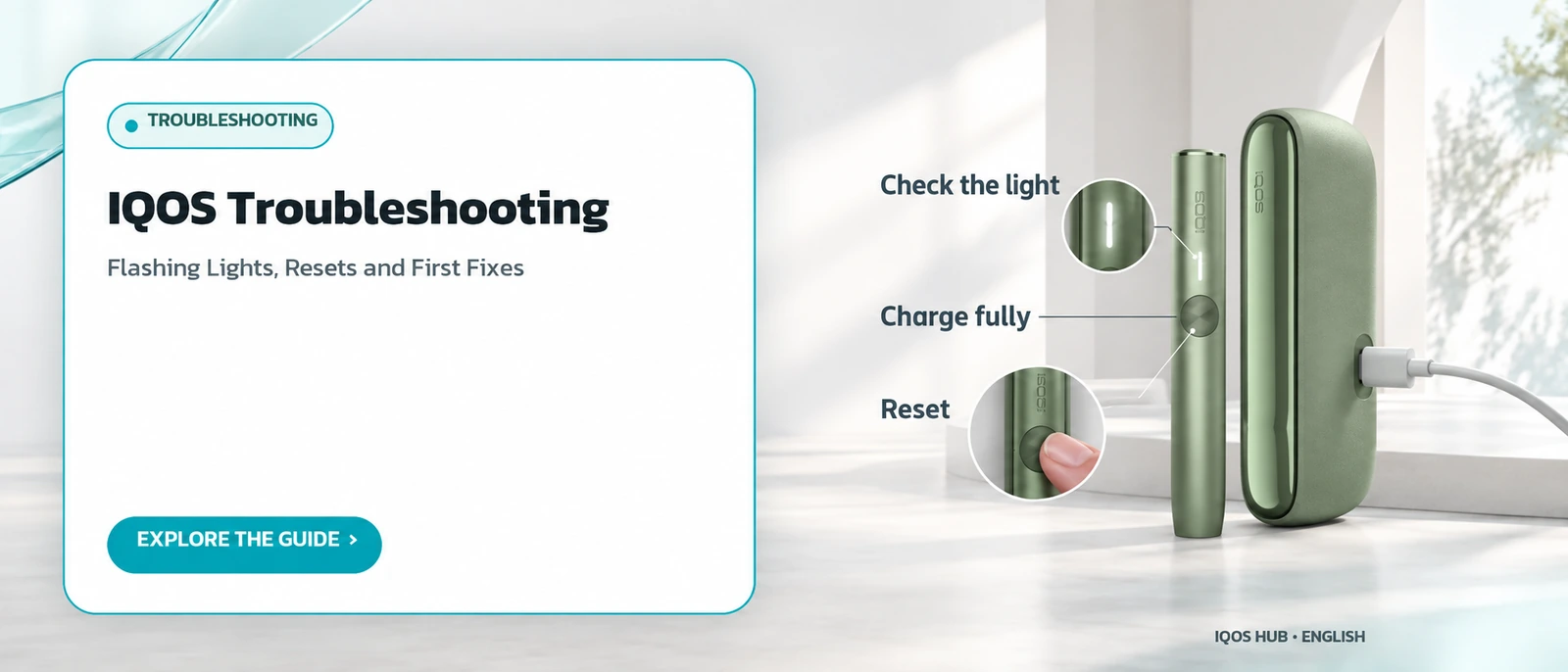
A flashing yellow light on the holder means its internal battery is empty and it has to be charged in the pocket charger before you can carry on. It is not a sign of damage. The holder simply needs enough energy to start the next session, and a normal recharge solves it.
When the holder flashes yellow, first remove any stick that is still inserted, then place the holder in the pocket charger as usual.
How long that takes is listed in IQOS charging times.
Yellow is the most common signal and the simplest to fix, since charging alone solves it every time.
What does a white light flashing three times mean on ILUMA?
Three white flashes mean the device temperature is outside the recommended operating range, which is roughly 0 to 50 degrees Celsius. It is not a sign of damage. If you see it in very hot or very cold surroundings, move the device to normal room temperature for a while and then try again.
The problem usually clears by itself once the device is back within the right temperature range, without any reset.
If the device later refuses to charge rather than to heat, the not-charging checklist is the better starting point.
A car in direct sun or a cold balcony are typical places where the warning appears.
What do eight white flashes on an ILUMA holder indicate?
Eight white flashes mean the holder has only enough power left for one more session. Like the other white signal, it does not point to any fault. It is a reminder that the holder will need to go back into the pocket charger soon, so you can finish one session and then recharge before starting another.
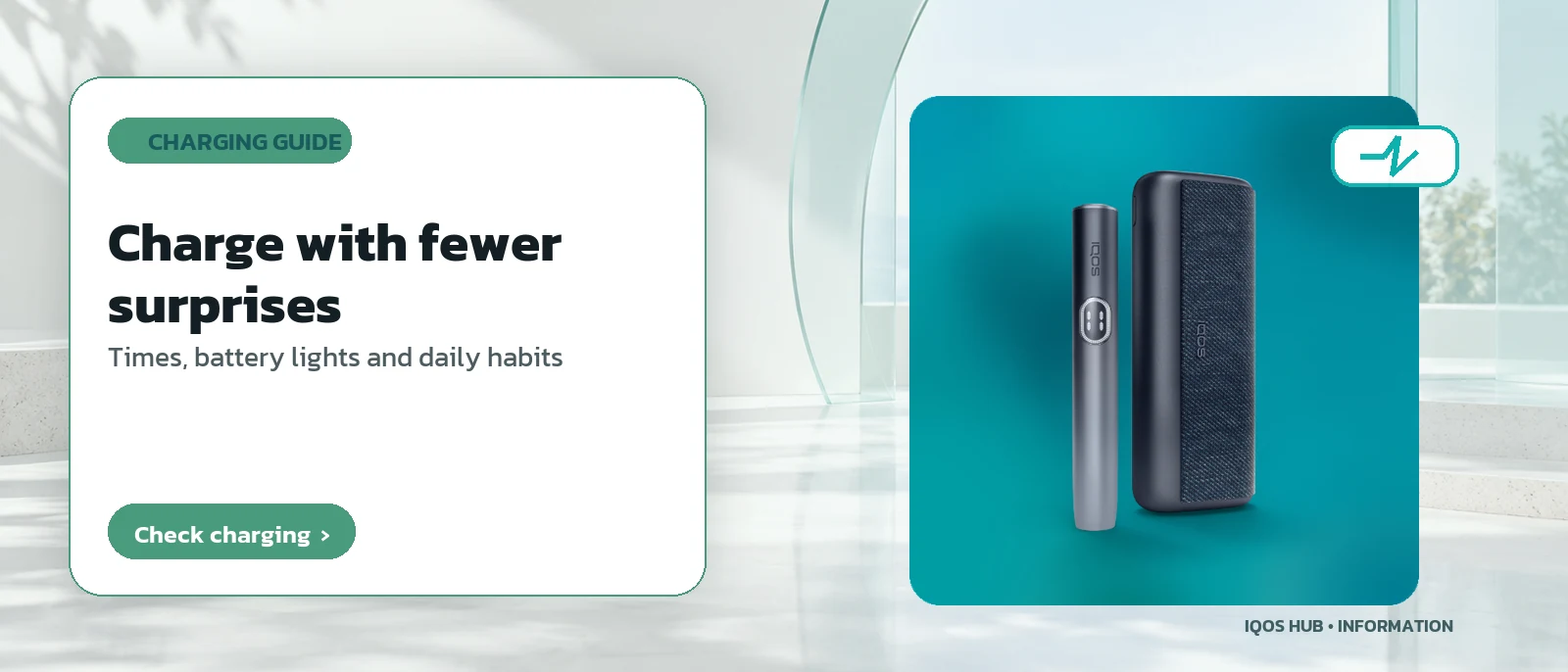
Keeping the pocket charger topped up daily makes this warning less likely to catch you out; see daily charging habits.
The full table of light patterns sits further down this page for quick scanning.
It is the gentlest warning on the table, and nothing needs to be reset.
What does a red flashing light mean, and what should you do?
A flashing red light means the holder should be placed in the pocket charger and the device reset using the set procedure. It indicates that the system needs to restart rather than that the device is permanently broken. Work through the reset steps in full before concluding that you need to contact the manufacturer's support.
Red is the only colour that calls for a reset; yellow and white clear up with charging or a change of temperature.
The exact reset sequence follows in the next answer. If you are unsure which device you own, check the devices section first.
Do not open the device.
How do you reset an ILUMA holder step by step?
Place the holder in the pocket charger. Press and hold the pocket charger's button for ten seconds, then release it. All the lights go out briefly, and then every light flashes white quickly at the same time to confirm the reset worked. After that the device can be used normally again.
This sequence comes from the official ILUMA guidance and needs no extra tools.
If the same symptom returns after a complete reset, it is time to contact the manufacturer's support. Blade-family models may use a different reset, so check your model and its manual.
The white confirmation flash is the sign to look for.
What should you check first if a stick is inserted but nothing starts?
Check three things in turn. First, the lights showing remaining sessions: is there enough power? Second, is the stick pushed in as far as the wave line marked on it? Third, is the Autostart feature switched off? If it is, you need to press the holder's button after inserting the stick before heating begins.
Correct insertion depth and how Autostart behaves are both explained in the IQOS usage guide.
Only after ruling out all three should you move on to a reset or to official support.
Checking in that sequence saves time, because the most common causes come first and need no tools at all.
How do you free a stick stuck in a blade-family IQOS?
Let the device cool for at least 30 seconds, then tap the holder gently on a hard surface so the stuck fragments come loose. Next, carefully sweep the remaining residue around the base of the blade with the twisting cleaning tool. Avoid pulling hard, because too much force can bend the blade.
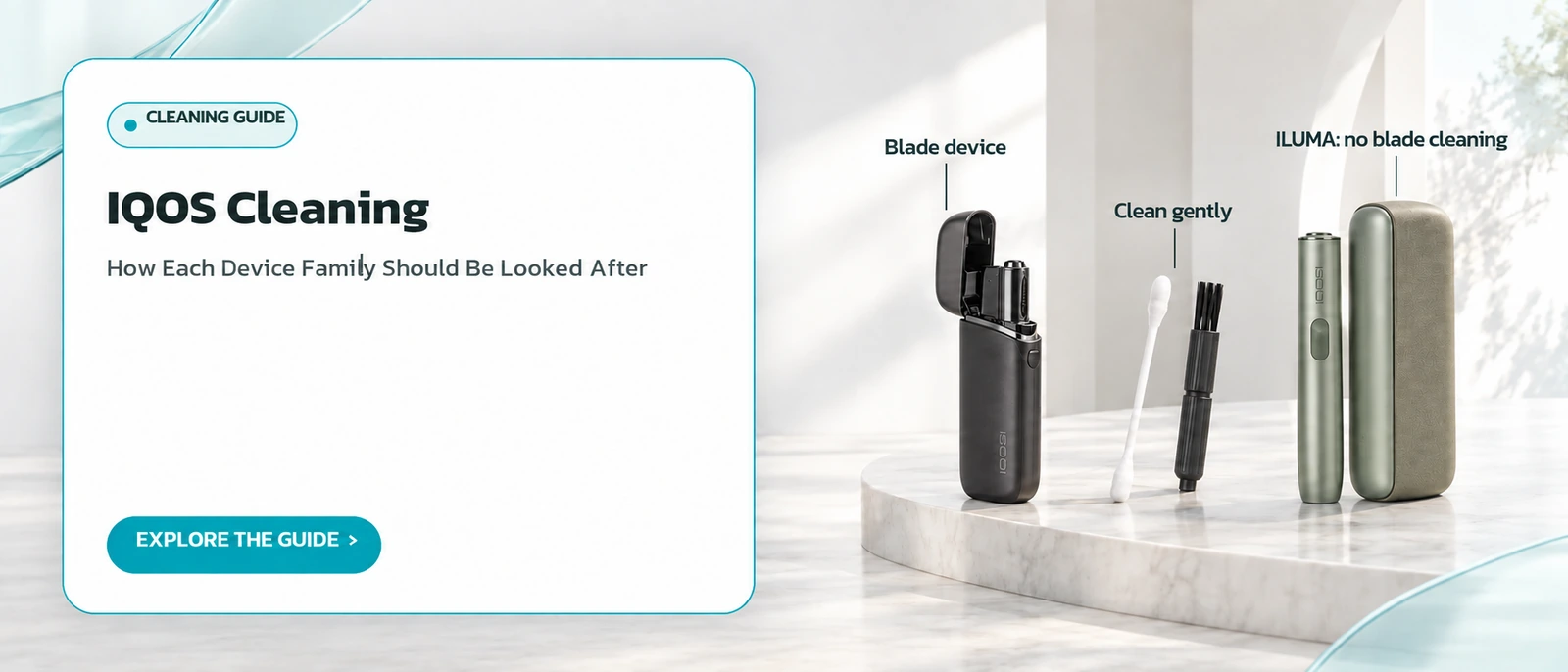
The full cleaning routine for residue is in the IQOS cleaning guide.
If the stick still will not come out after following the steps, stop trying yourself and contact the manufacturer's support rather than forcing it.
Patience matters more than force here, because a bent blade is a far bigger problem than a stuck stick.
When is it time to stop troubleshooting and contact official support?
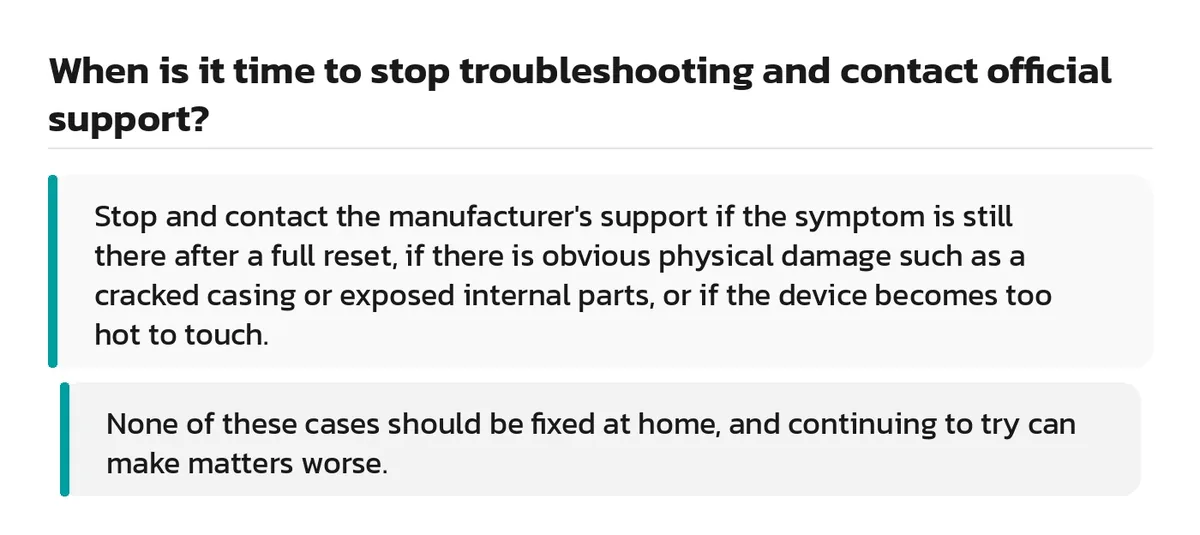
Stop and contact the manufacturer's support if the symptom is still there after a full reset, if there is obvious physical damage such as a cracked casing or exposed internal parts, or if the device becomes too hot to touch. None of these cases should be fixed at home, and continuing to try can make matters worse.
Opening or repairing internal parts yourself can void the warranty and cause damage that is harder to fix. Official support has diagnostic tools ordinary users cannot access.
Travellers should note that official advice treats heat-not-burn devices as illegal in Thailand; see flying with IQOS.
| Light pattern | Meaning | First fix |
|---|---|---|
| Flashing yellow | Battery empty | Charge in the pocket charger |
| White, 3 flashes | Temperature outside 0-50 C | Wait for normal temperature |
| White, 8 flashes | Power for 1 session left | Use once, then charge |
| Flashing red | Device needs a reset | Reset in the pocket charger |
Frequently asked questions
What should I do if the problem is still there after resetting IQOS?
Does every flashing light on ILUMA require a reset?
Do blade-family models use exactly the same reset as ILUMA?
Is a yellow light on the holder a sign that it is damaged?
What temperature range does ILUMA work in?
How can I tell the ILUMA reset has worked?
Sources
- What Do the Lights on My IQOS ILUMA Device Mean? — IQOS UK
- How to clean my IQOS? — IQOS Philippines
- Thailand travel advice: safety and security — GOV.UK
Read more
← Back to the Legal section · Back to the homepage
Join the IQOS User Group (Thai-language LINE group)
A space for IQOS users to exchange information with each other — not a commercial channel of any kind. For readers aged 20+ only. Note: this is a Thai-language LINE group.
Join the IQOS User Group (Thai-language LINE group)